Changing your show cover image is very simple, just follow these steps:
- Sign in to your RSS.com account
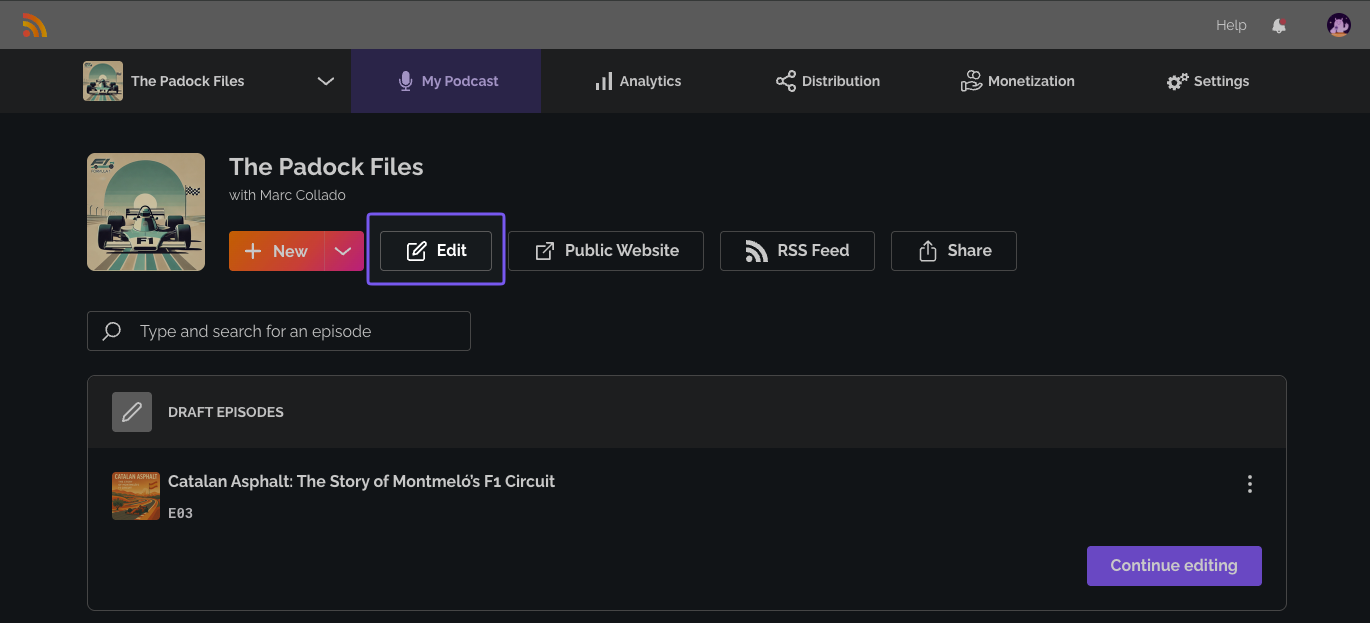
- Go to your Dashboard and select "My Podcast"
- Select "Edit"
4. In the "Cover art" section click on "Change Cover" to update your cover art, select your covert art from your files.
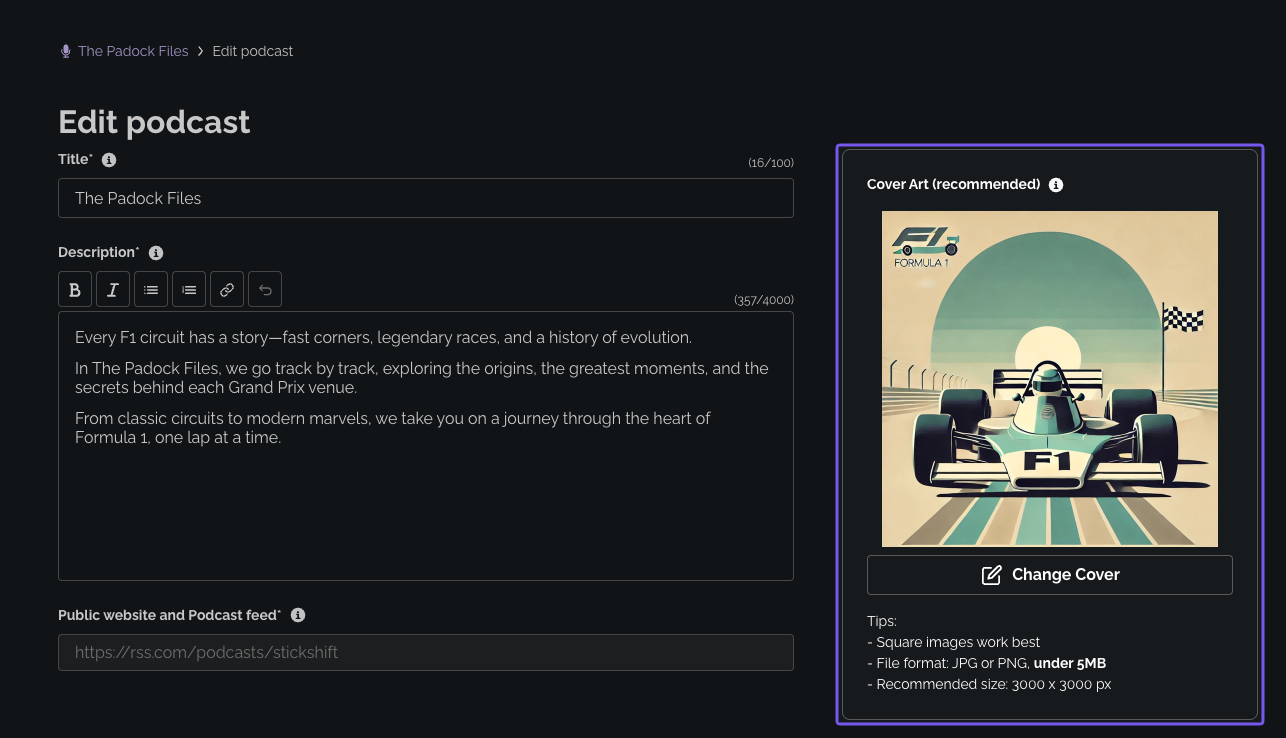
The image file needs to:
- Have a square shape
- Be a .JPG or .PNG, up to 5 MB
- Be 3000x3000px for best results (smaller square images are accepted too)
RSS.com automatically makes your cover square and resizes it to between 1600 and 3000 pixels, so it looks sharp on every app.
5. Click "Save" to publish your new cover image

Was this article helpful?
That’s Great!
Thank you for your feedback
Sorry! We couldn't be helpful
Thank you for your feedback
Feedback sent
We appreciate your effort and will try to fix the article