You can edit or delete a transcript at any time, including after the episode is published.
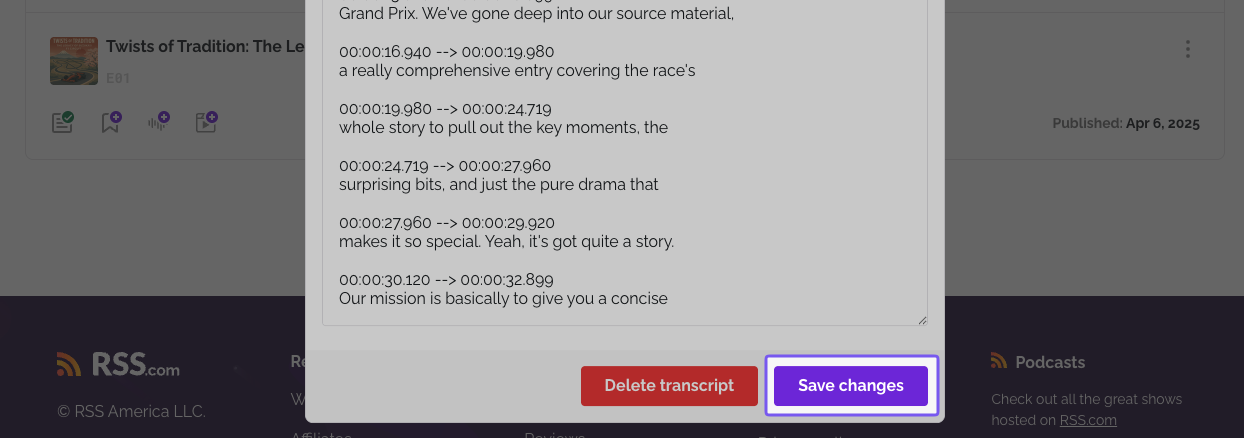
- Open the episode and click the transcript button.

- Make your changes and save, or delete the transcript from the same panel.
Important: if the episode has no transcript yet there is nothing to edit. Add a transcript first.
Related: Error when editing a transcript · Download a transcript · Automatic transcripts
Was this article helpful?
That’s Great!
Thank you for your feedback
Sorry! We couldn't be helpful
Thank you for your feedback
Feedback sent
We appreciate your effort and will try to fix the article