Before you start
Automatic submission becomes available once your show completes the checklist on the Distribution tab:
- Upload a cover image for your podcast.
- Publish an episode longer than 30 seconds. A short trailer works.
- Wait while we process your show, which usually takes up to an hour. In the meantime the Distribution tab shows We’re now processing your show and Submit now stays greyed out.
If Submit now is still greyed out an hour after you've done both, contact us.
These guides help with the first two steps:
- How do I add my podcast's cover art?
- Cover art formatting requirements
- How do I upload my first episode?
If you imported your show from another hosting platform, the Distribution tab has no Submit now. Your show is most likely listed already, so you add your existing directory links instead. See Updating directory links for imported podcasts.
Important: if your show is already on a directory, for example because you submitted it there yourself, submitting it again through RSS.com creates a second listing. In that case don't use Submit now. Turn on the switch only for the directories your show isn't on yet.
Submit your podcast
Once the checklist is complete, you can automatically submit your podcast to all directories available.
- Go to the Distribution tab of your dashboard and click Submit now.
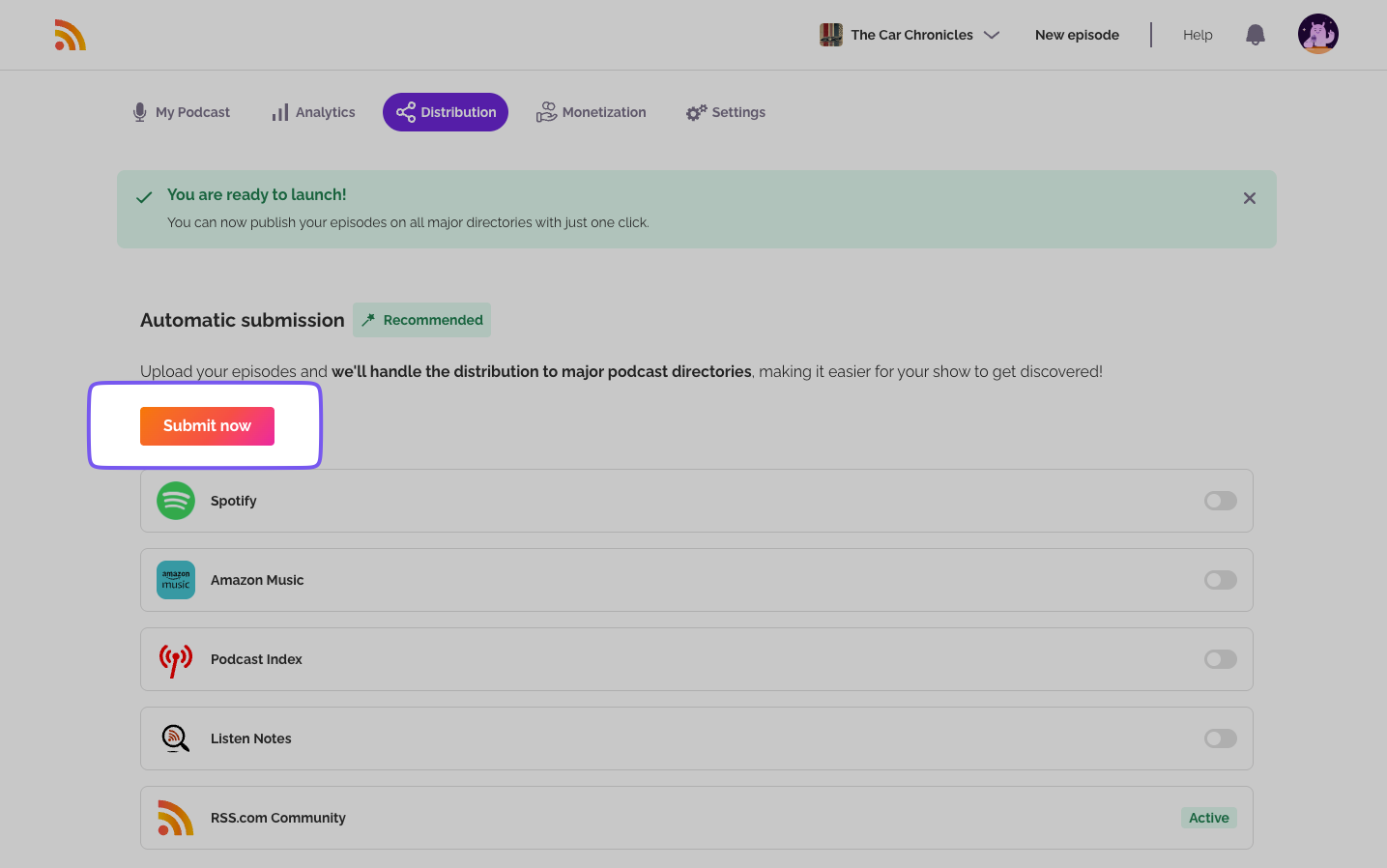
As of today, the podcast directories supported by this feature are:
- Apple Podcasts
- Spotify
- Amazon Music
- Podcast Index
- Listen Notes
- Read and accept the required platforms' Terms of Service, then click Continue.
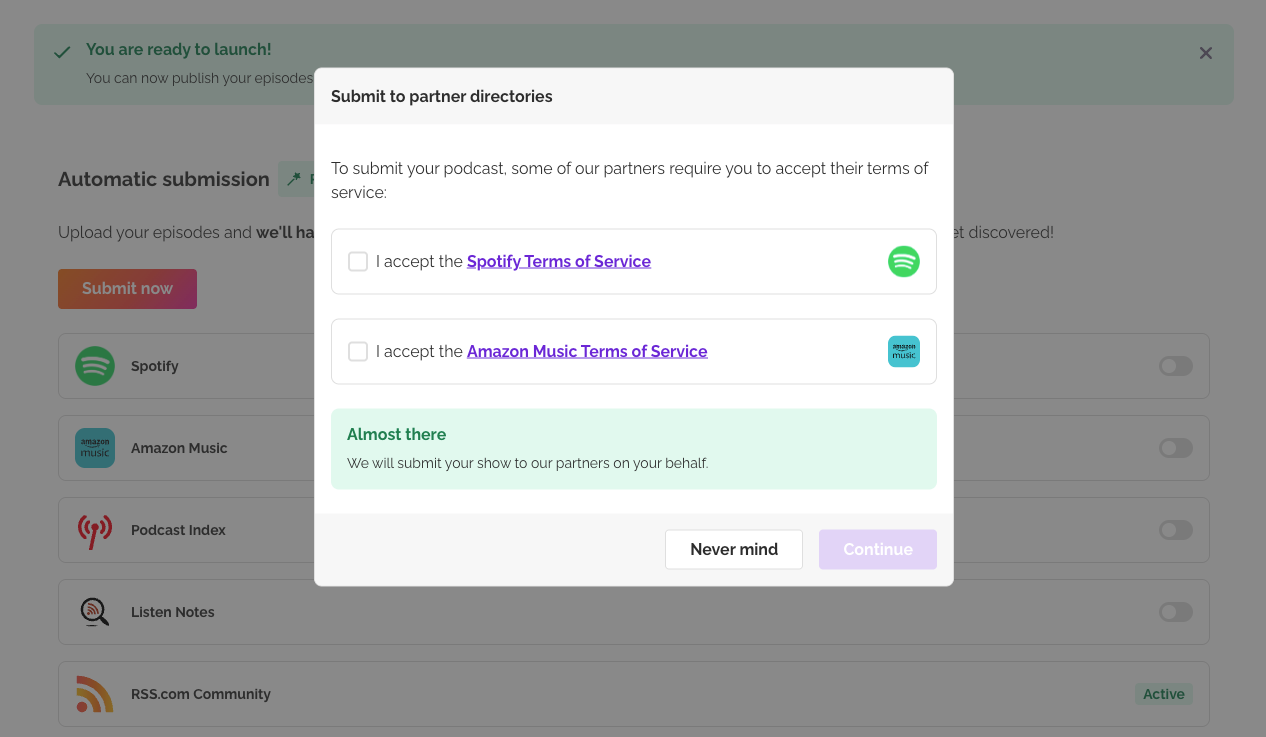
- Done! Your podcast status will be updated shortly. Keep in mind that your show won't be immediately submitted since it takes some time for the platforms to process your show.
For each platform, the status will move from "Processing" to "Active" as soon as it is made available.
Listen Notes and Podcast Index show in the list only once your show is live there. If Listen Notes still doesn't show after a few days, contact us and we'll check it.

Claiming your show on each platform
Important: Podcasts automatically submitted via RSS.com are initially associated with RSS.com’s accounts on certain platforms. This auto-submission process is provided as a convenience to streamline distribution and save time, especially for users who don’t have an account on these platforms.
Since your podcast is submitted through RSS.com, you won’t have immediate access to manage it directly on some platforms. To gain full control, you may need to claim your podcast following the platform’s specific process. See example on Apple Podcasts.
If a directory needs your email address
Important: Some directories require an email address to be included in your RSS feed to be accepted. For security purposes, RSS.com does not include your email address in your feed. We do have a tool to temporarily include your email address when submitting to directories. Follow the instructions in How to enable the email address in the RSS feed to enable your email address.
Was this article helpful?
That’s Great!
Thank you for your feedback
Sorry! We couldn't be helpful
Thank you for your feedback
Feedback sent
We appreciate your effort and will try to fix the article