To start receiving payouts, you must first activate PAID.
The PAID option is only available once your account has more than 10 downloads in the last month.
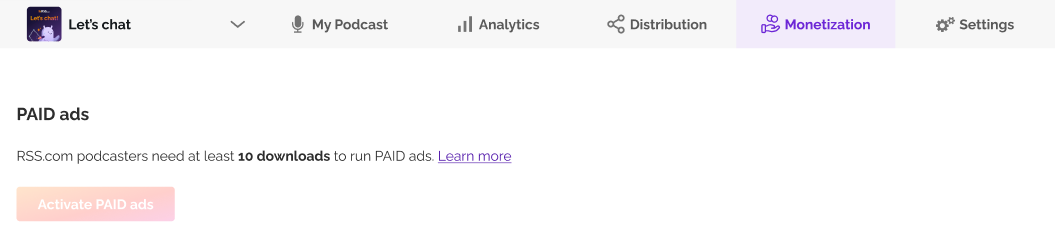
If you are below that threshold, keep publishing and check again next month. See this article to learn more.
Important: Publishing video on the Max plan works differently. There is no download threshold, and ads are already running on your video. The two steps below are what turn that into your 70% share. Revenue from ads that ran before you finish is not backdated, so it is worth setting up now. See how video ads and revenue work.
Once you’re eligible, go to your account, under the Monetization tab, activate PAID.
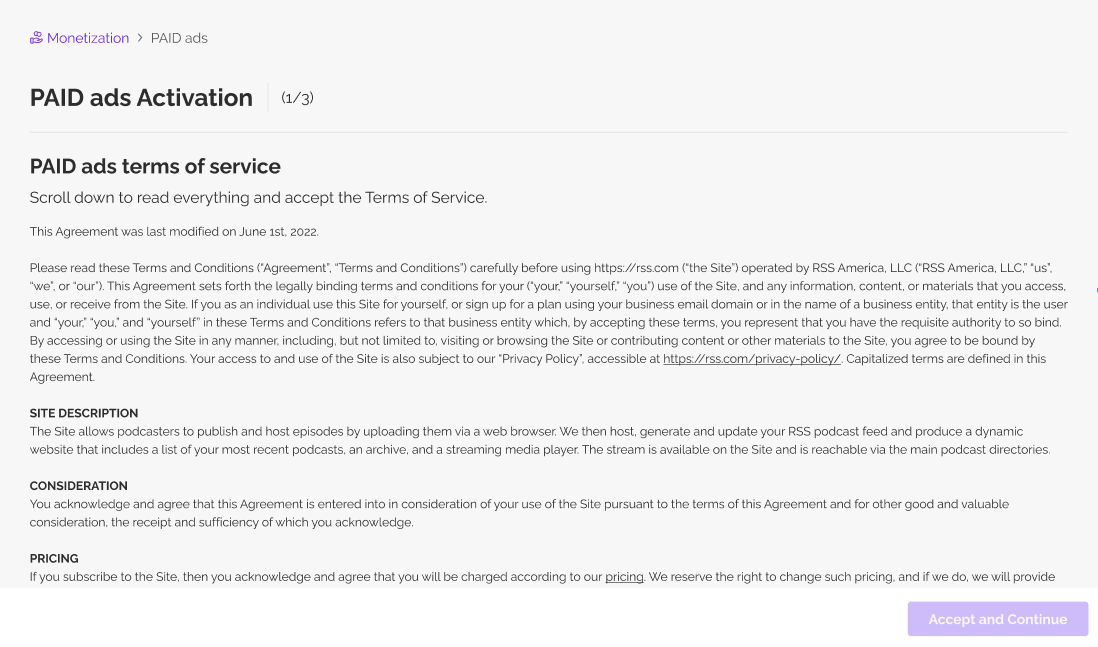
First, scroll down and accept terms and condition.
Then, link your PayPal account.
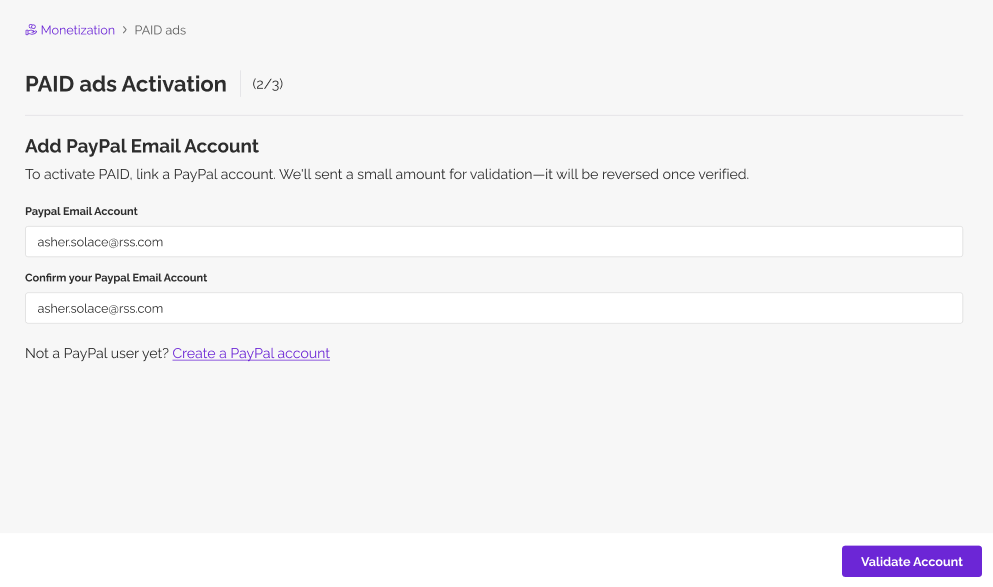
You'll receive an email once the account is connected. Payouts can only be sent after PayPal is connected, so confirm you’ve added the correct PayPal email.
Was this article helpful?
That’s Great!
Thank you for your feedback
Sorry! We couldn't be helpful
Thank you for your feedback
Feedback sent
We appreciate your effort and will try to fix the article