To download an invoice or receipt:
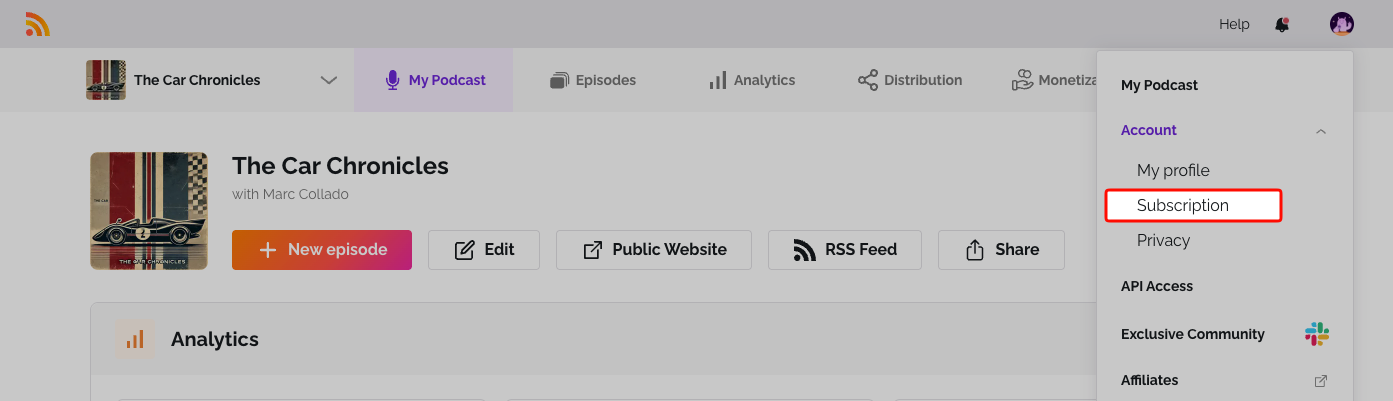
- Click the user icon at the top right and select Subscription.
- Scroll to Invoices.
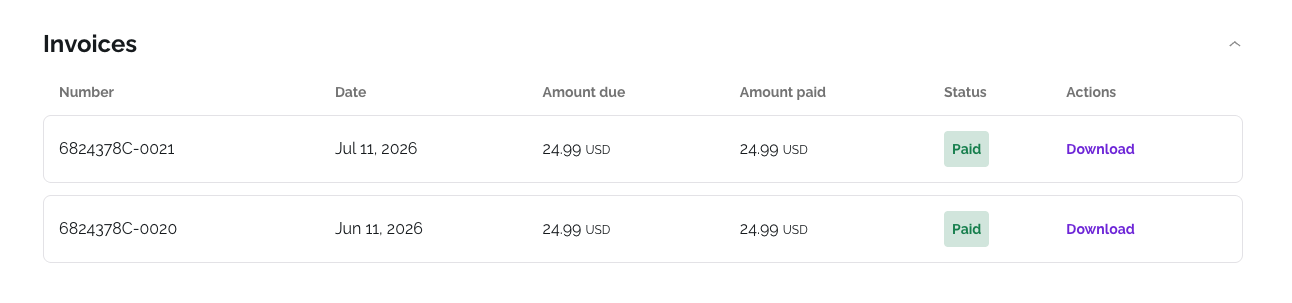
- Click Download, then choose Download Invoice or Download Receipt.
Related: Update your billing information
Was this article helpful?
That’s Great!
Thank you for your feedback
Sorry! We couldn't be helpful
Thank you for your feedback
Feedback sent
We appreciate your effort and will try to fix the article