Your billing information is the detail that appears on your invoices, such as your name and address. It's separate from the card you pay with. To update it:
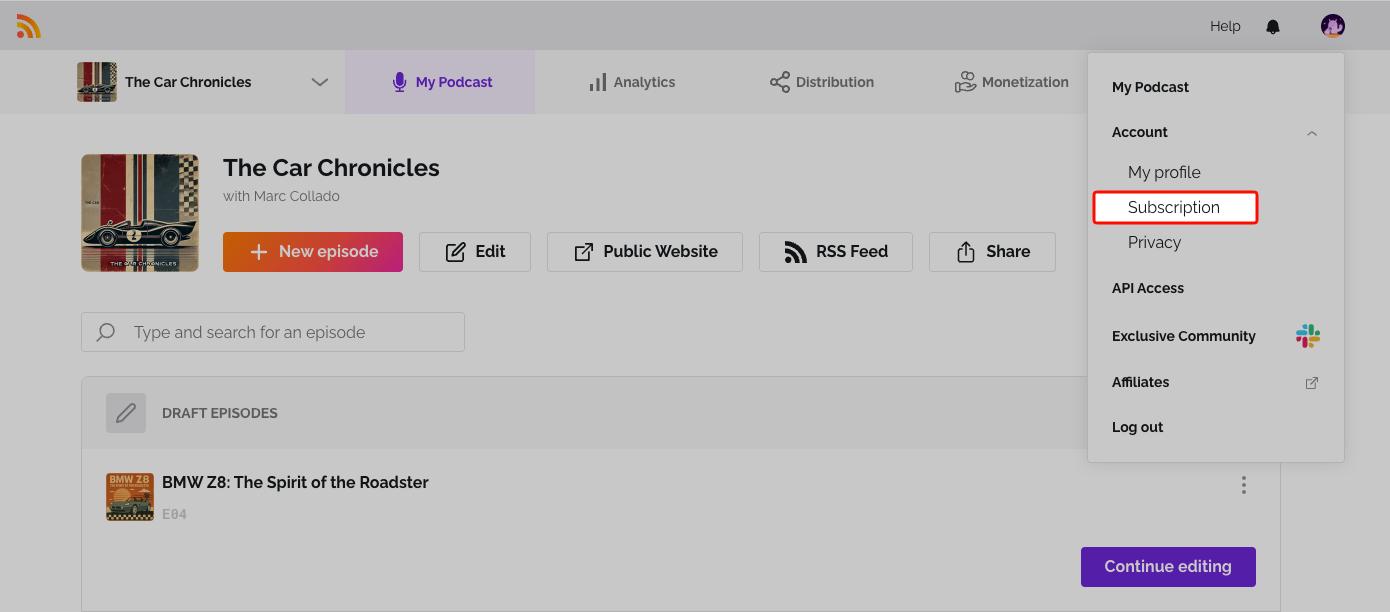
- Click the user icon at the top right and select Subscription.
- Scroll to Billing Data.
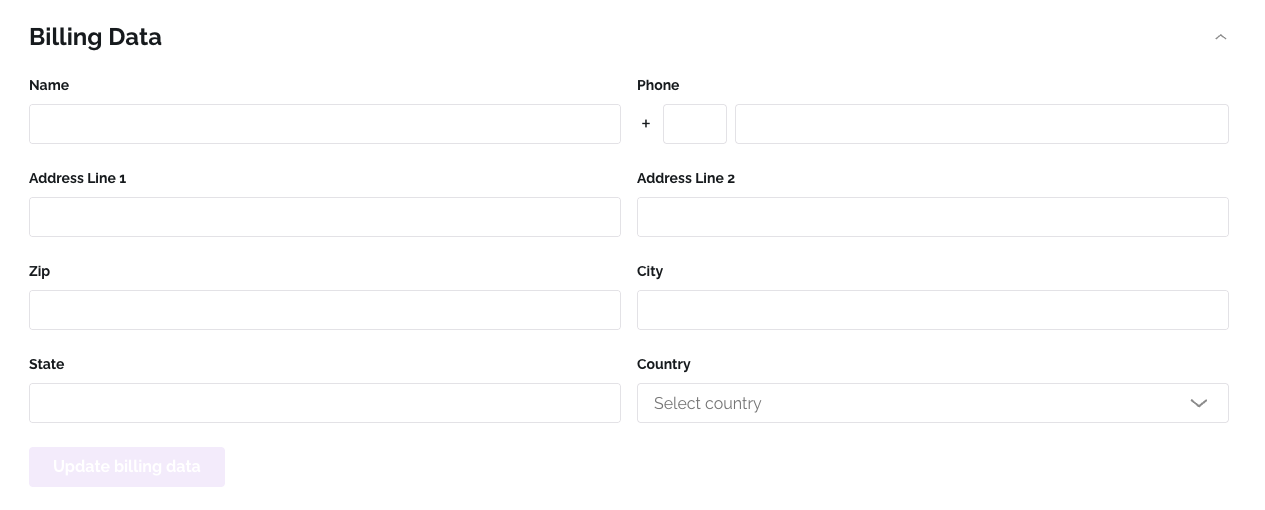
- Update your details and click Save Changes.
Your next invoice will show the updated information.
Related: Update your credit card · Download your invoice or receipt
Was this article helpful?
That’s Great!
Thank you for your feedback
Sorry! We couldn't be helpful
Thank you for your feedback
Feedback sent
We appreciate your effort and will try to fix the article