You can send a voice message to a podcast that has voicemail turned on, without creating an account. You need the podcast's voicemail link, a microphone and an email address you can check.
Note: if you are the podcaster, this is the article to share with your audience.
Record and send
- Open the podcast's voicemail link. You will find it in the show notes, at the top or the bottom, as a line inviting you to send a voice note. The link behind it looks like
https://rss.com/podcasts/show-name/voicemail/
Or open the show on RSS.com and click Voicemail in the row of buttons under the cover art.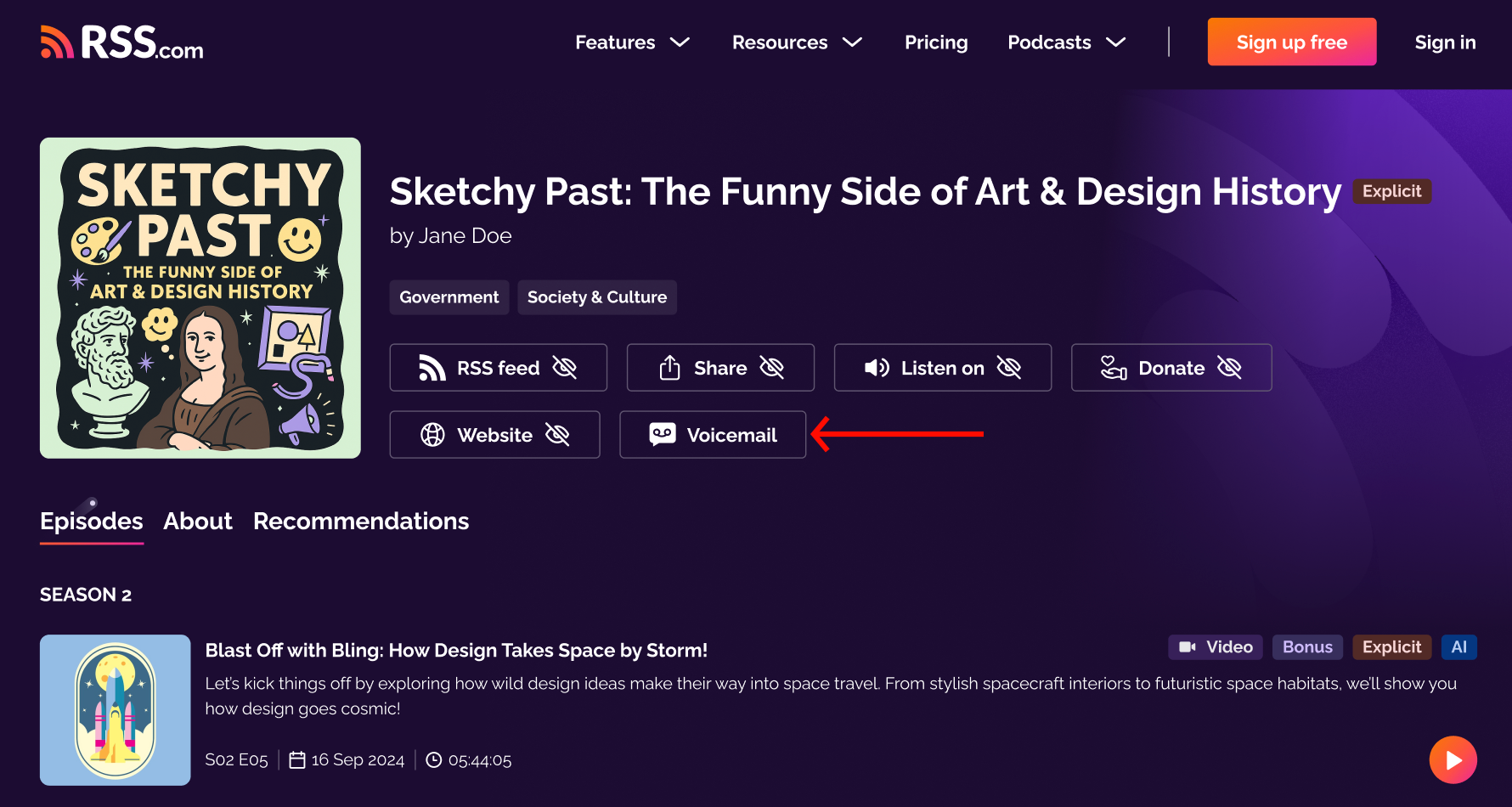
- Allow the page to use your microphone when the browser asks.
- Record your message. You have up to one minute.
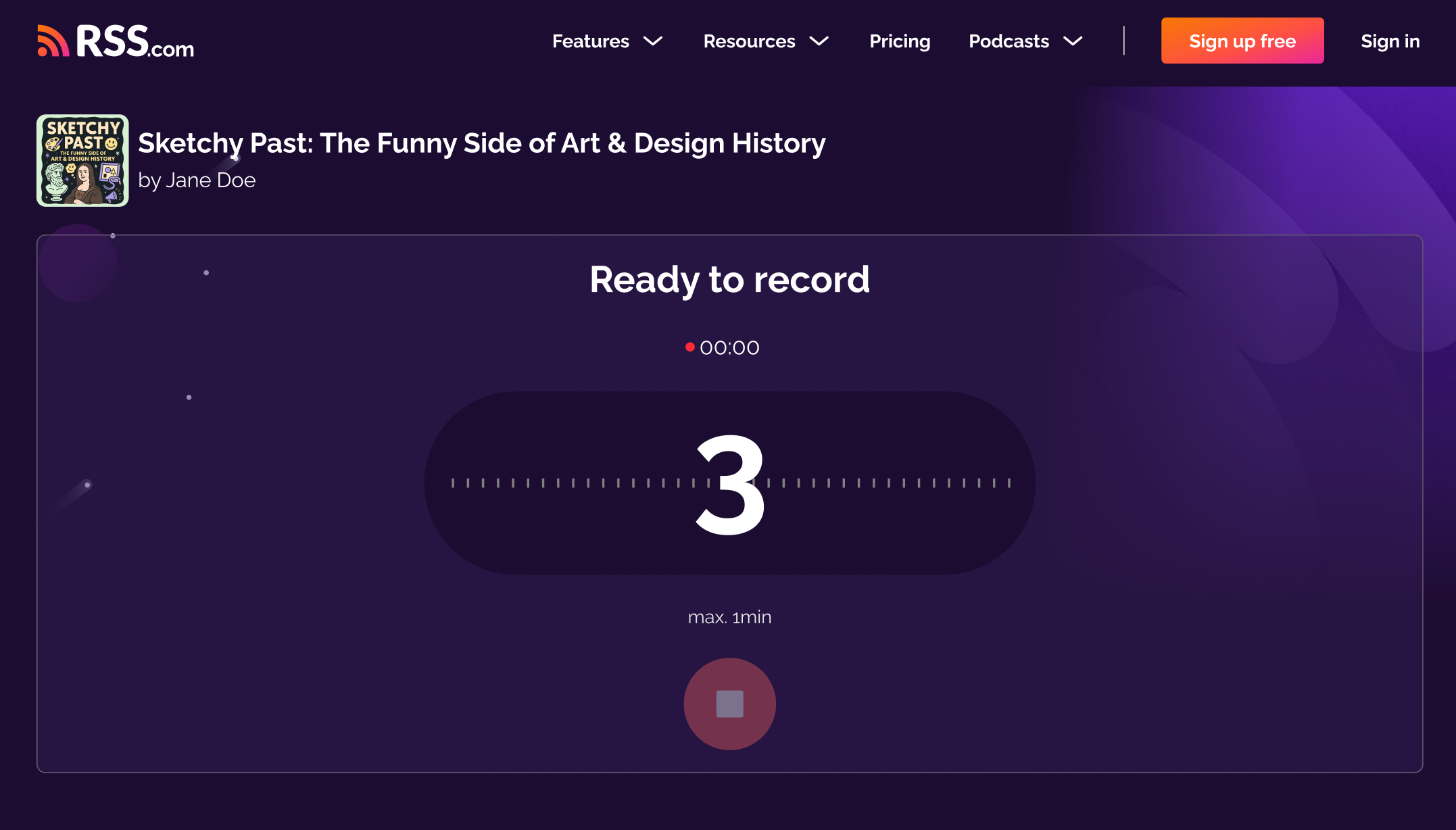
- Listen back, and record again if you want another take.
- Enter your email address. Add your name too if you want the podcaster to know who you are.
- We email you a six-digit code. Type it in, and the message is on its way.
The code is there to make sure nobody sends audio in your name.
What the podcaster sees
Your recording, the name you gave and your email address. The email is how they can answer you, and it is never shown publicly.
How many you can send
- One message per podcast per day.
- Five messages a day in total, across all podcasts.
Both limits are rolling, so they clear 24 hours after you send, not at midnight.
If something does not work
The code did not arrive
Check your spam folder first. You can ask for a new code from the same screen, or go back and use a different address. Temporary and throwaway email domains are blocked, so send it from a real address.
The page cannot use your microphone
The browser is blocking it. Look for the microphone icon in the address bar and allow access, then reload the page. On a phone, check the browser's permissions in your device settings.
The code no longer works
A code lasts one hour and you get five tries. After that, open the link again and record a new message.
"You've hit your limit"
You have already sent a message to this podcast in the last 24 hours, or five in total today. Wait for the limit to clear and try again.
Podcasters, the feature is explained in what is voicemail? and set up in how to turn on voicemail and customize your invite.
Was this article helpful?
That’s Great!
Thank you for your feedback
Sorry! We couldn't be helpful
Thank you for your feedback
Feedback sent
We appreciate your effort and will try to fix the article